It caps every bid
Each product has a price and a margin, so each product has a ceiling. The app works that ceiling out and never bids past it — not on the busiest keyword, not on the best day.
 Pseudo GMC
It reads your shop, builds the campaigns, writes the keywords, and refuses to bid more than a product can afford.
Search ads for small shops, run by something that counts the cost of every click. Nothing goes live, and nothing spends, until you press the button yourself.
What it is
Each product has a price and a margin, so each product has a ceiling. The app works that ceiling out and never bids past it — not on the busiest keyword, not on the best day.
Keywords come from your own product names, the way a buyer would type them — not from a category guess. Searches that never end in a sale are blocked before they can cost you.
Everything it builds arrives paused. It tells you what it would change, in plain words, and changes nothing until you press the button. One press pauses it all again.
Your catalogue
The application reads the price, the stock and the margin of each product, and decides how far it is allowed to go for a click on it. Products that cannot pay their way are left out, and it tells you which and why.
Sponsored
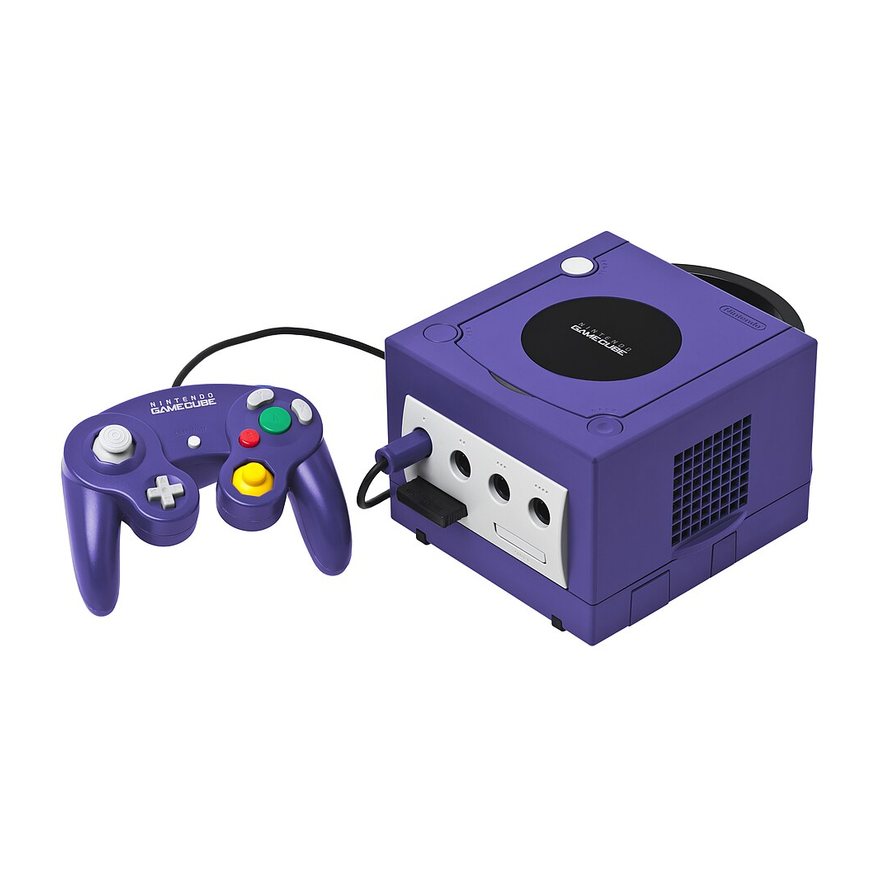


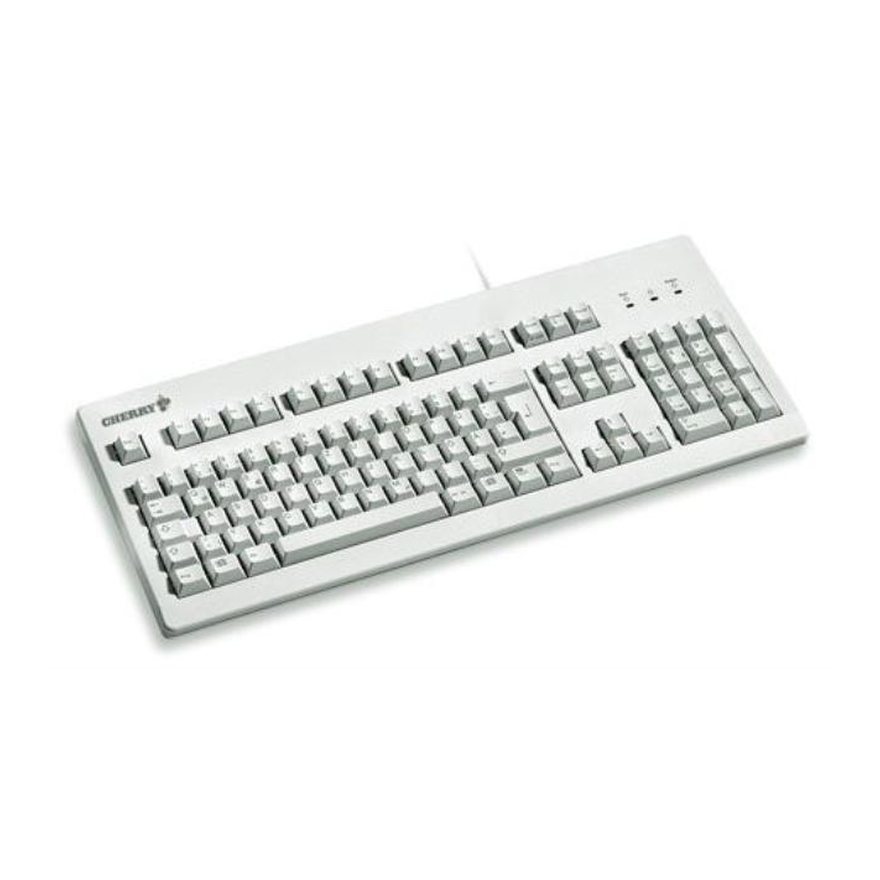
Sponsored
lodigamers.com/shop
In stock and ready to order online. Shop gaming monitors, consoles and handhelds.
Bid capped at $0.12 — the most this product can afford to pay for a click.
lodigamers.com › gaming-monitors
Browse 50 gaming monitors in stock, from 24 to 49 inches, with next-day dispatch.
An illustration, not a screenshot. Products, prices and figures are examples of the arithmetic. Pseudo GMC builds the search advertisement in the middle band; shopping listings need a Merchant Center product feed, which it does not create.
How it works
The app keeps the list. You always know the next thing to do, and nothing else is asked of you until it is done.
Point it at your website. It reads every product, its price, its stock and its photograph — the same list your customers see.
Sign in with the Google account that owns your ad account and pick it from the list. The app only ever touches campaigns it made itself.
Countries, regions or towns, searched the way Google searches them. Take a place off the list and it stops being targeted.
The most you will spend in a day, and what you keep from a sale. Every bid in the account is worked out from those two numbers.
Campaigns, ad groups, keywords, ads, blocked searches. Google validates the whole thing before a single change is written, and it all arrives paused.
The only step that spends money, and the only one the app will never take for you. Pause again whenever you like.
The rules it follows
These are not settings. They are how the thing is built, and every one of them is covered by a test that has to pass before a line of it ships.
nothing spends behind your back ✎
Your data
Your Google Ads account: the campaigns it built, what they cost, and which searches led to sales. Your shop: products, prices, stock and photographs — the public list, the same one your customers browse.
On your own computer. Your Google sign-in is stored on that machine, in a file only your user account can read, and is sent to nobody but Google. We keep no copy of your ad account, and we have no way to reach it.
No customer names, no email addresses, no delivery addresses, no card details. When it counts your orders, it counts how many and how much — never who.
Your consent, at any time, from your own Google account — the app stops working the moment you do. The campaigns stay yours, in your account, whatever happens to us.
Who it is for
A shop with a few hundred products, thin margins, and nobody whose job is Google Ads. The kind of shop that gets a phone call from an agency, pays a retainer for six months, and cannot say what it bought.
Pseudo GMC is in private beta with a small number of shops, and free while it is. If you sell online and you are tired of paying for clicks that never buy anything, tell us about your shop.